scoreboard-pages
ESP32-S3 HUB75 Scoreboard
A self-contained, physical two-player LED scoreboard built around an ESP32-S3 and a 128×64 P2 RGB HUB75 matrix. The scoreboard is complete and working; scores are controlled by three illuminated panel-mount buttons, with no phone or network connection required.
Project status
Physical build: complete and working.
The original BLE firmware was uploaded and tested with all five scoring commands, the physical controls, and reconnection. The native iPhone controller was installed on a physical iPhone and verified in both scoring directions. The physical controls continue to work independently.
Final build
- ESP32-S3 controller
- 128×64 P2 RGB HUB75/HUB75E panel, 1/32 scan
- ICN2038S/Chipone-family panel driver configuration
- LLidgermal ESP32 HUB75 adapter board (ASIN B0FVNMRRTB)
- Three illuminated momentary push buttons
- ADRESUNO 5V 10A / 50W production power supply (ASIN B0D76F4W1C)
- SDTC Tech 5.5×2.5 mm panel-mount DC power connection
- Panel-mount USB-C service/programming extension
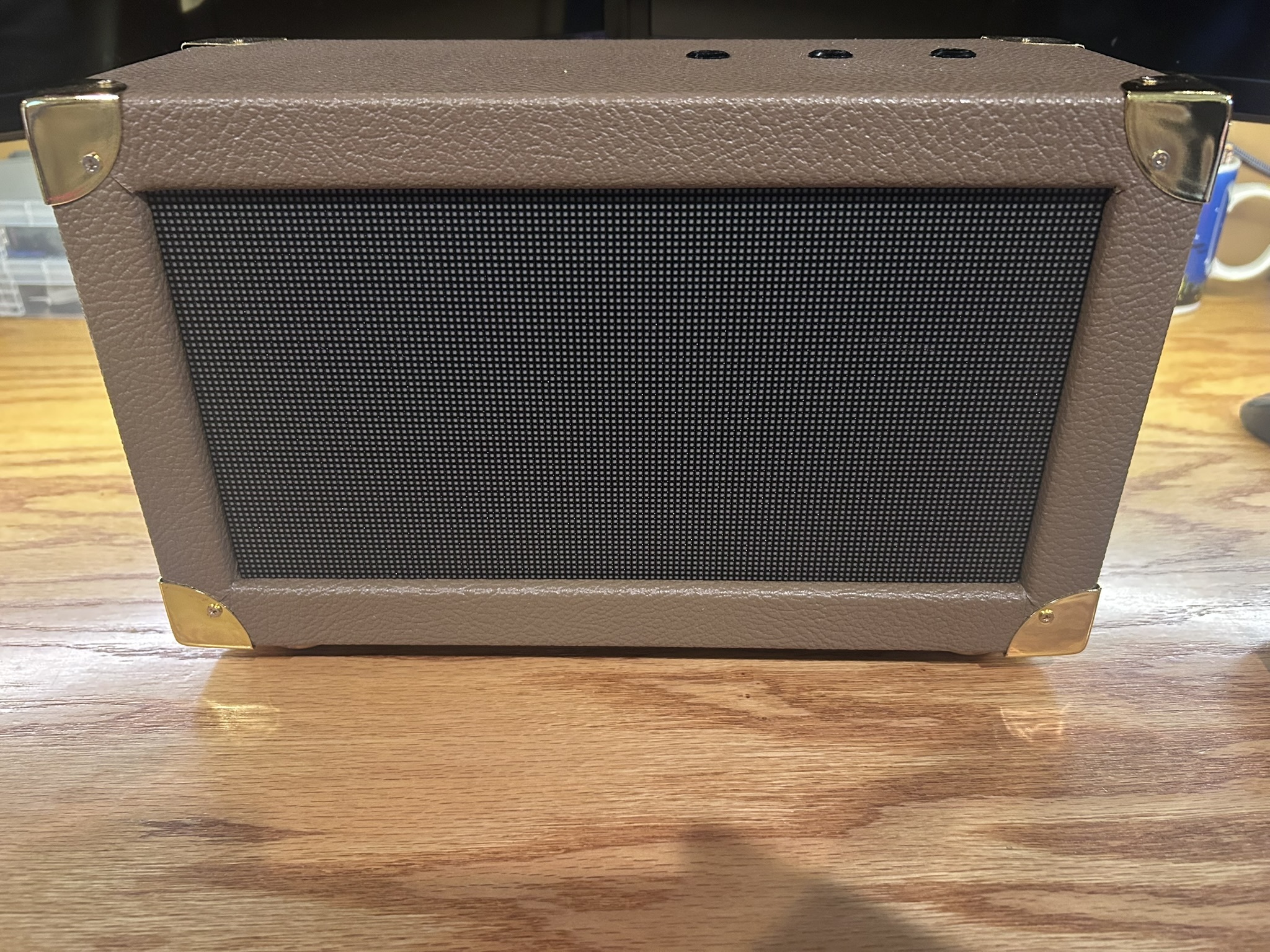
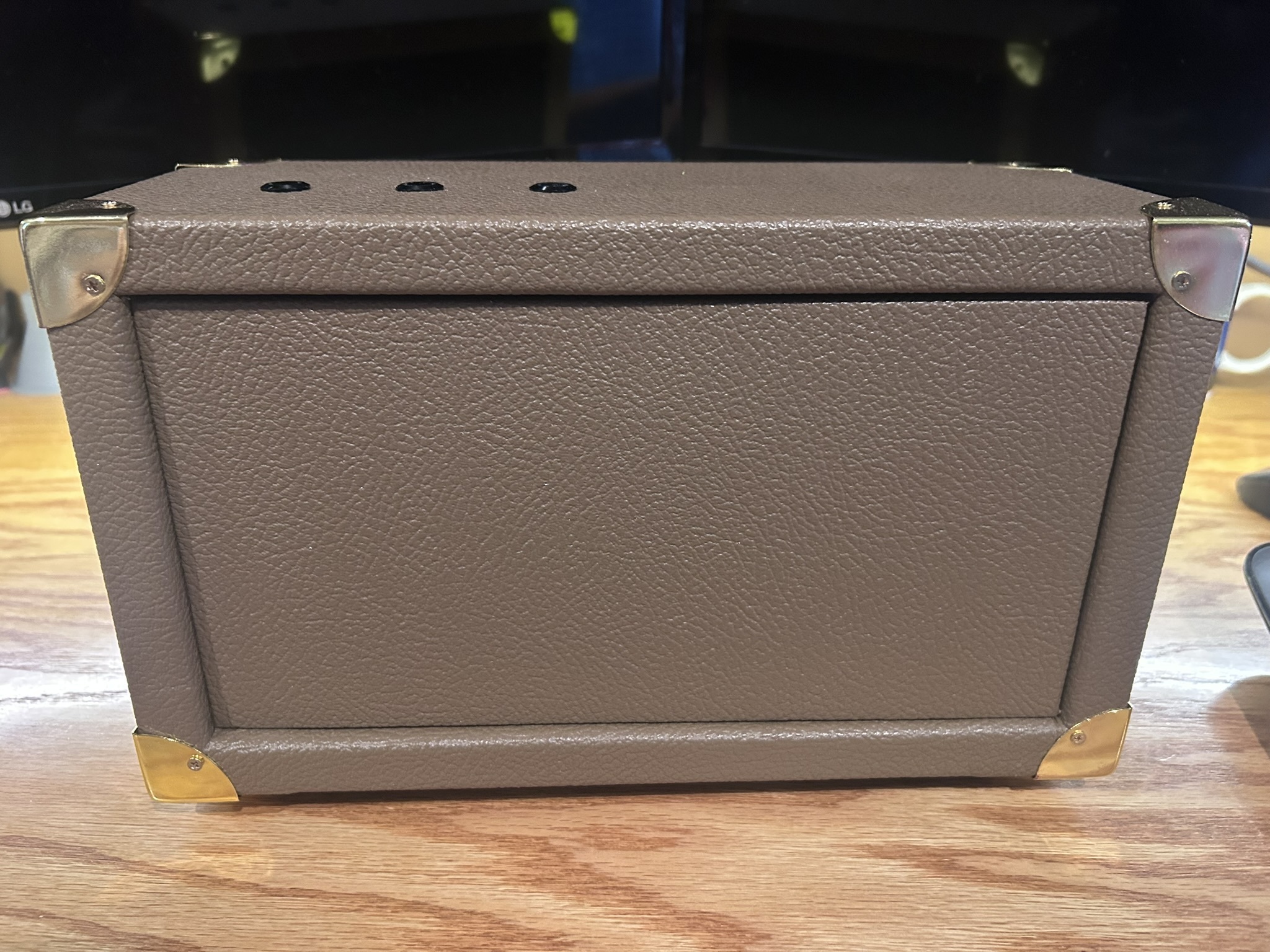
- Custom finished enclosure with gold-tone corner protectors and removable rear access panel
- Local controls requiring no Wi-Fi, cloud service, or phone
Controls
| Control | Short press | Long press (≥600 ms) |
|---|---|---|
| Player One | +1 | −1 |
| Player Two | +1 | −1 |
| Reset | No action | Reset both scores |
Player names are intentionally isolated at the top of the production sketch:
const char* PLAYER_ONE_NAME = "PLAYER 1";
const char* PLAYER_TWO_NAME = "PLAYER 2";
The rest of the firmware uses generic Player One / Player Two variables so future BLE control can replace the hard-coded names without rewriting the scoring logic.
Final photos
Repository layout
.
├── README.md
├── docs/
│   ├── bill-of-materials.md
│   ├── bringup-and-hardware.md
│   ├── hardware.md
│   ├── project-history.md
│   ├── software.md
│   ├── wiring.md
│   └── images/
│       └── final/
└── firmware/
    ├── bringup/
    └── scoreboard/
        └── scoreboard.ino
Firmware
The production sketch is firmware/scoreboard/scoreboard.ino.
It uses:
ESP32-HUB75-MatrixPanel-I2S-DMA- Adafruit GFX font
FreeSansBold9pt7b - 128×64 display geometry
- ICN2038S driver mode
- Explicit ESP32-S3 HUB75 GPIO mapping
- GPIO 12, 13 and 14 for the three controls
INPUT_PULLUPbutton inputs- 600 ms long-press threshold
- Display brightness value of 140/255
See docs/software.md for the complete software configuration.
Hardware and wiring
The final working pin map, power topology, button wiring and physical construction are documented in:
Prototype history
The project originally started with a much denser P1.53 208×104 / 1:52-scan commercial-signage module. Although it used a HUB75-family connector, it was not a straightforward match for the ESP32 direct-drive approach. The final build moved to a conventional 128×64 P2 / 1:32 panel and was successfully driven directly from the ESP32-S3.
That failed path is retained in docs/project-history.md because it is useful information for anyone trying to reproduce the project.
BLE firmware and iPhone controller
Use the BLE sketch for wireless control.
- P1 is the lower blue row (GPIO12, default PLAYER 1). P2 is the upper green row (GPIO13, default PLAYER 2).
- Scores are readable/notifiable. Drawing and scoring run in loop(), not BLE callbacks.
- The native iPhone controller has large plus/minus controls, reset confirmation, live scores, and reconnect handling. See the iOS bring-up history for the setup and screenshots.
- With the current BLE sketch and iPhone app, Edit player names saves both labels on the scoreboard. Names stay saved when the panel loses power. See player name setup.
Install on the Mac: open ios/ScoreboardController/ScoreboardController.xcodeproj, choose your signing Team, select your iPhone, and Run. Disconnect nRF Connect before connecting the new app. The controller can score with the earlier BLE firmware. Name editing requires the current BLE sketch.
See the BLE/nRF Connect guide for protocol details and the iPhone setup guide for installation.
Additional files:
firmware/scoreboard_ble/             # Tested BLE sketch
firmware/reference/panel_bringup/   # Panel bring-up sketch
ios/ScoreboardController/          # Xcode app + protocol tests
License
No license has been selected yet.